Introduction
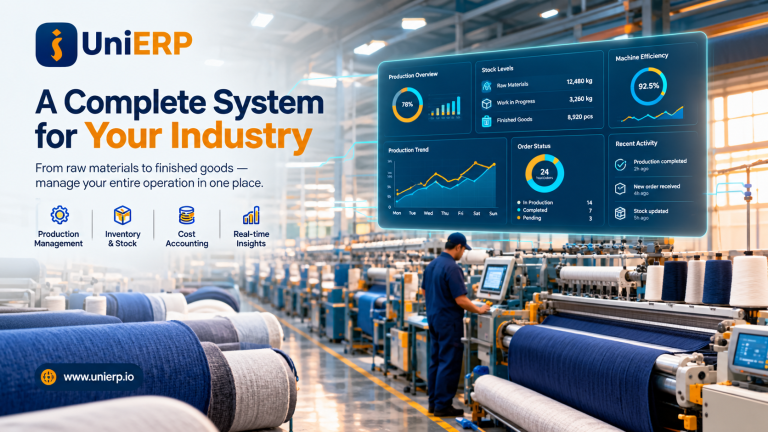
UniERP Manufacturing systems help production companies manage everything from inventory and supply chains to quality control and resource planning in one connected platform. This guide is for manufacturing executives, operations managers, and plant supervisors who want to understand how these integrated systems can transform their production processes.
Problems in Traditional
Manufacturing Management System
Traditional manufacturing management especially when it relies on manual processes, disconnected systems, or outdated tools tends to run into a predictable set of problems. These issues usually show up as inefficiency, poor visibility, and higher costs.
- Lack of real-time visibility
- Heavy dependence on manual work
- Inefficient production planning
- Difficulty in cost tracking
- Lack of Scalability
What is UniERP Manufacturing?
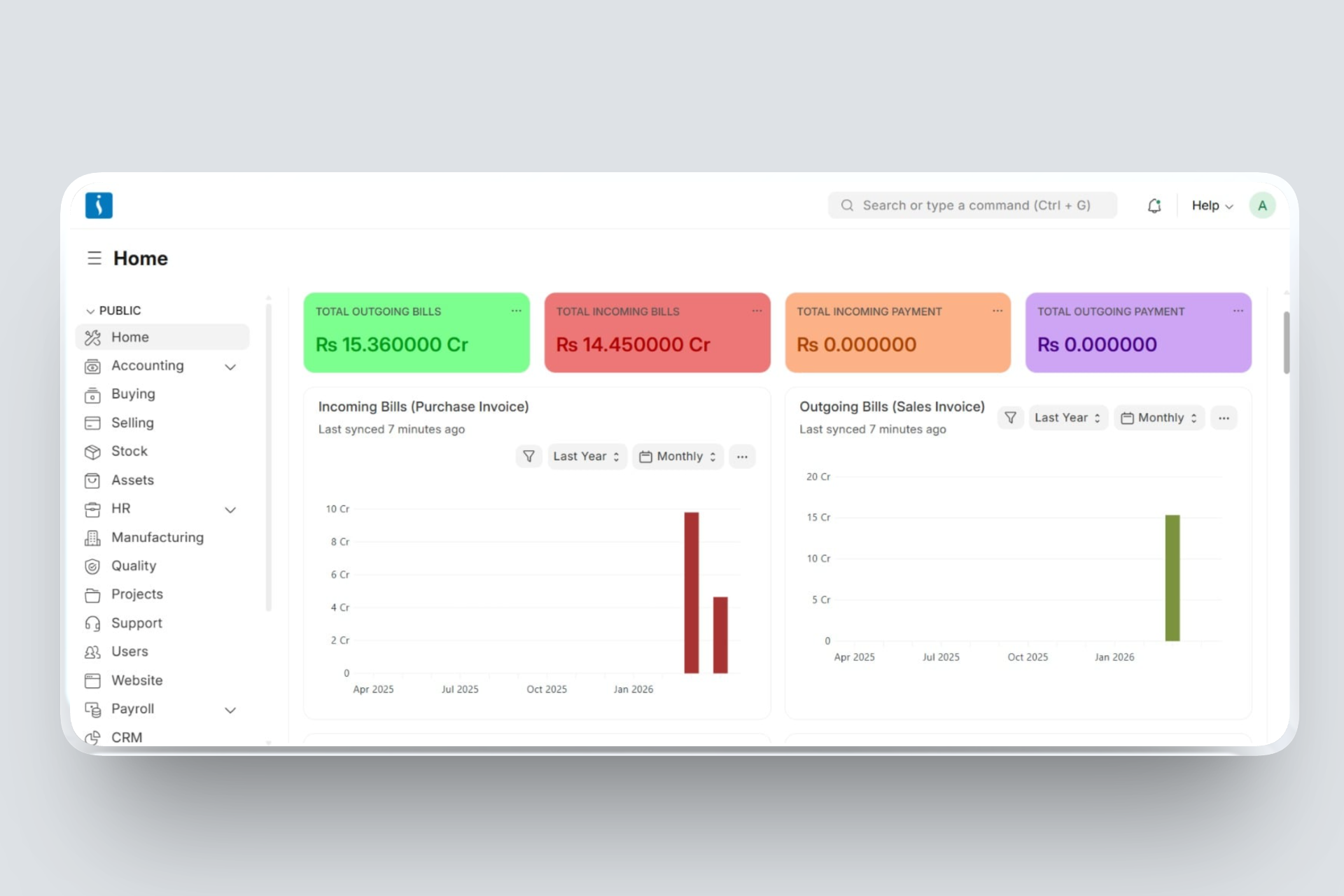
UniERP Manufacturing is a software system designed to manage and integrate all operations in a manufacturing business. It connects production, inventory, purchasing, sales, finance, and human resources into a single platform. The system helps plan production, track raw materials, monitor work processes, and manage finished goods efficiently. It provides real-time data, improving decision-making and reducing errors caused by manual work. Manufacturing ERP also helps control costs, maintain product quality, and streamline workflows. By automating and integrating processes, it increases productivity, reduces waste, and supports business growth and scalability in competitive markets.
UniERP Manufacturing Workflow
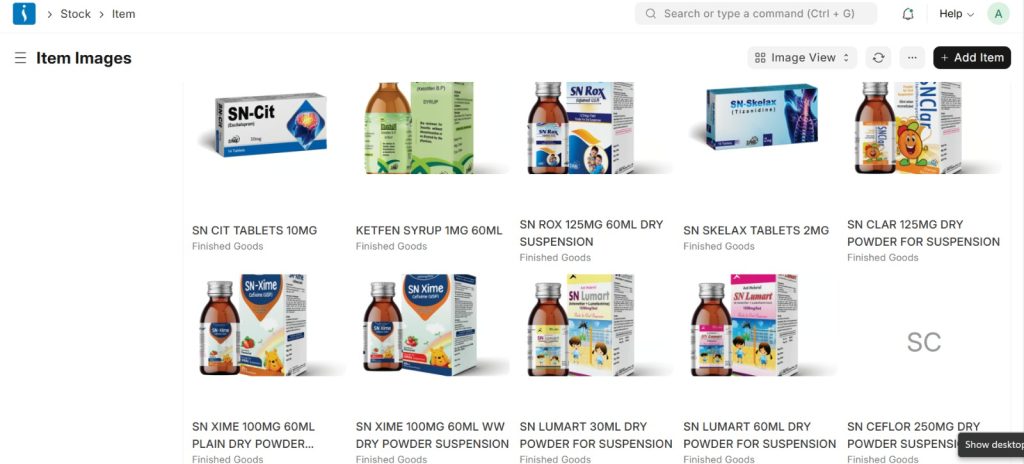
1. Item
In UniERP Manufacuring item is a master record that represents any product or service a company buys, sells, or manufactures.
It stores key details like item name, code, unit, price, and item type (raw material or finished good).
2. Warehouse
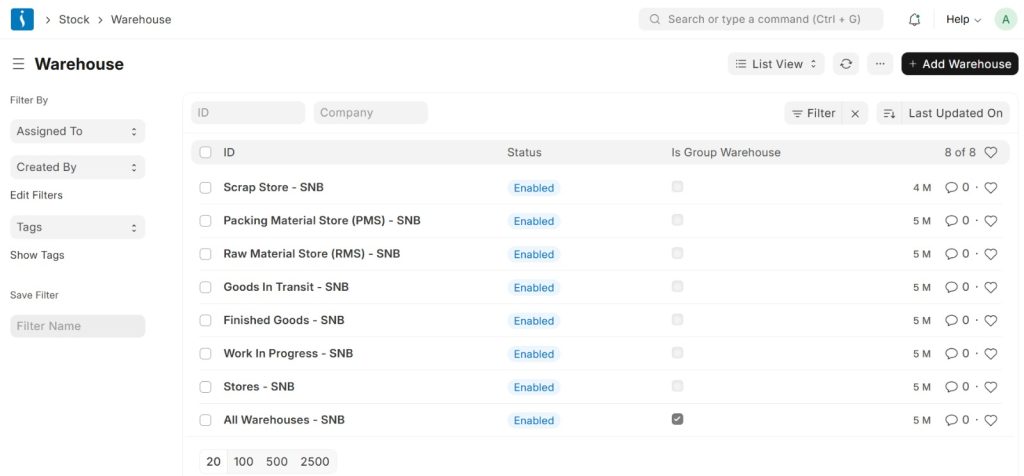
A Warehouse is a location where stock items are stored and managed.
It can represent physical places like stores or logical ones like WIP (Work In Progress).
Warehouses help track item quantity, movement, and valuation.
Stock moves between warehouses using documents like Stock Entry, Delivery Note, and Purchase Receipt.
3.Bill of Material
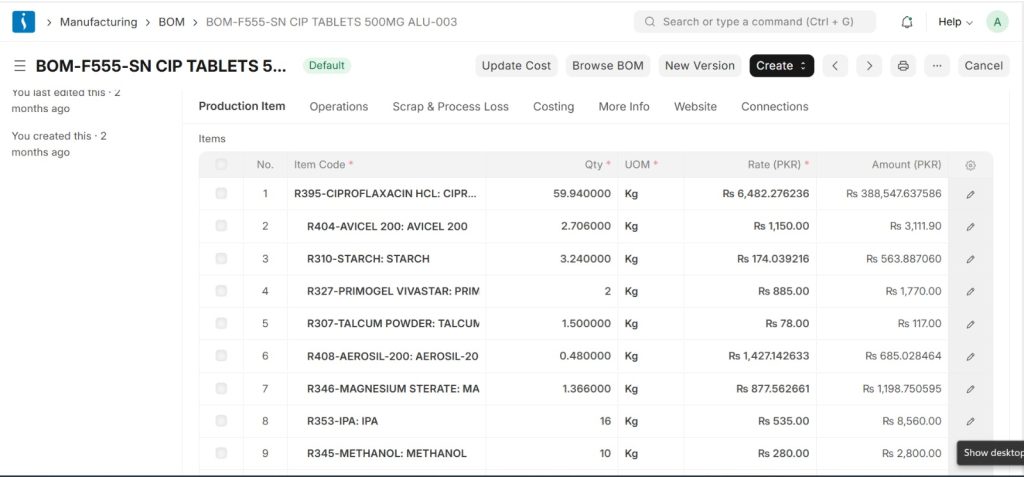
A Bill of Materials (BOM) is a document that defines all the raw materials required to manufacture a product. It specifies the items, quantities, and sometimes the operations needed to produce the finished product.
The BOM helps automatically calculate the raw materials required for production
4. Workstation
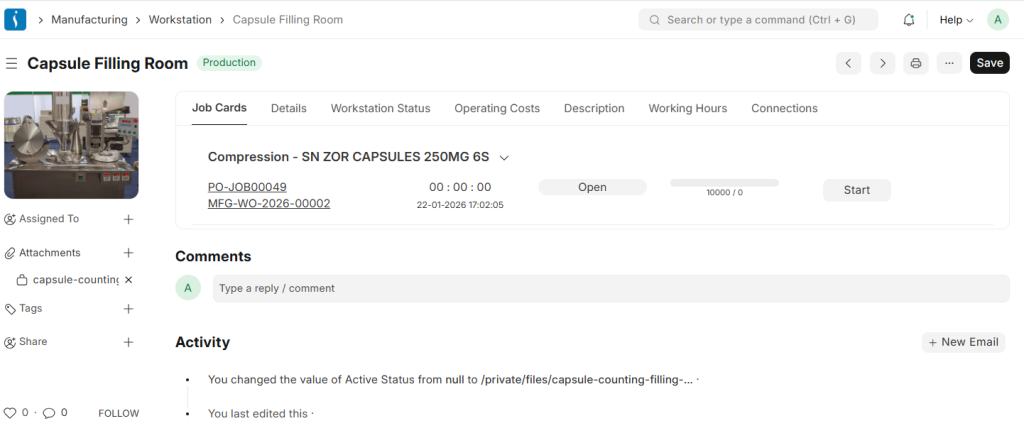
A Workstation represents a specific machine, work area, or production unit where manufacturing operations are performed. It helps organize and manage different stages of the production process. Each workstation can have details such as operating cost per hour, working hours, and production capacity. By defining workstations, companies can track machine usage, calculate production costs, and improve manufacturing efficiency
5. Routing
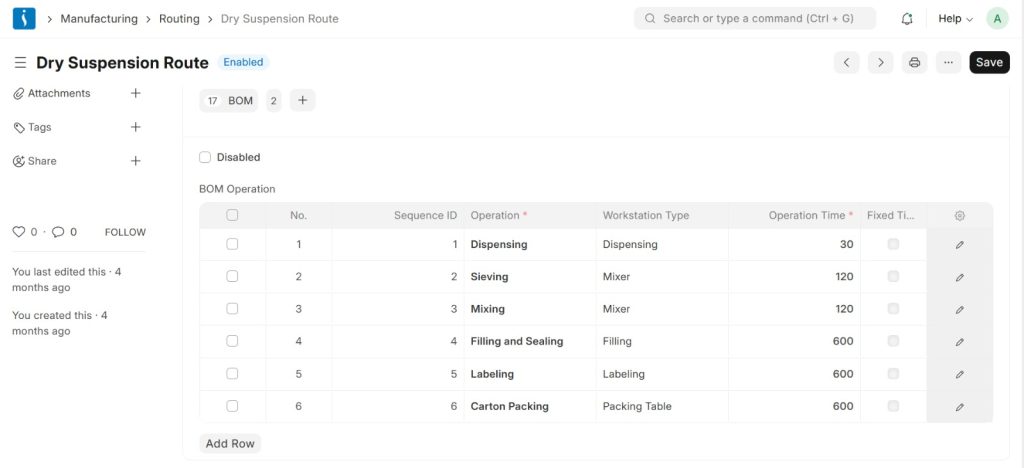
Routing defines the step-by-step manufacturing process required to produce a product. It lists all the operations that must be performed during production. Routing also specifies which workstation will handle each operation. This helps organize the production workflow and ensures that manufacturing activities happen in the correct sequence.
6. Sales order
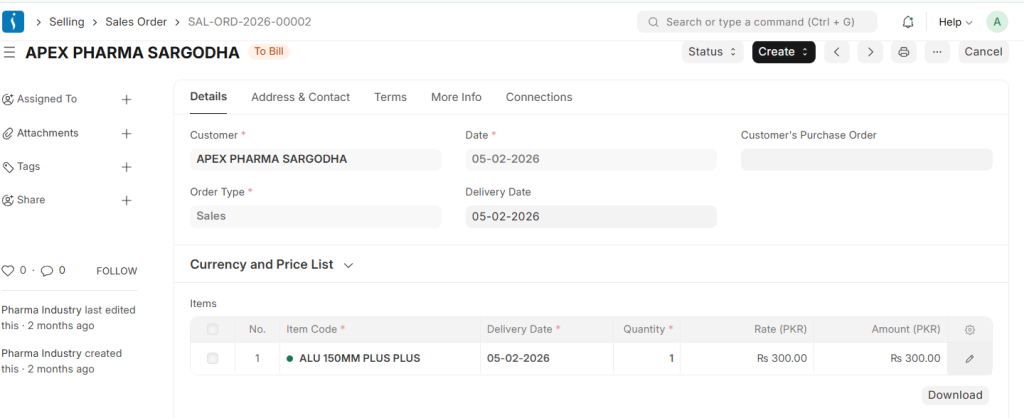
In UniERP a Sales Order is a document created when a customer confirms they want to buy products or services.
It contains details like customer name, items, quantity, price, and delivery date.
Sales Order acts as a starting point for delivery and invoicing processes.
It also triggers manufacturing or stock reservation if items need to be produced or are in inventory
7.Material Request
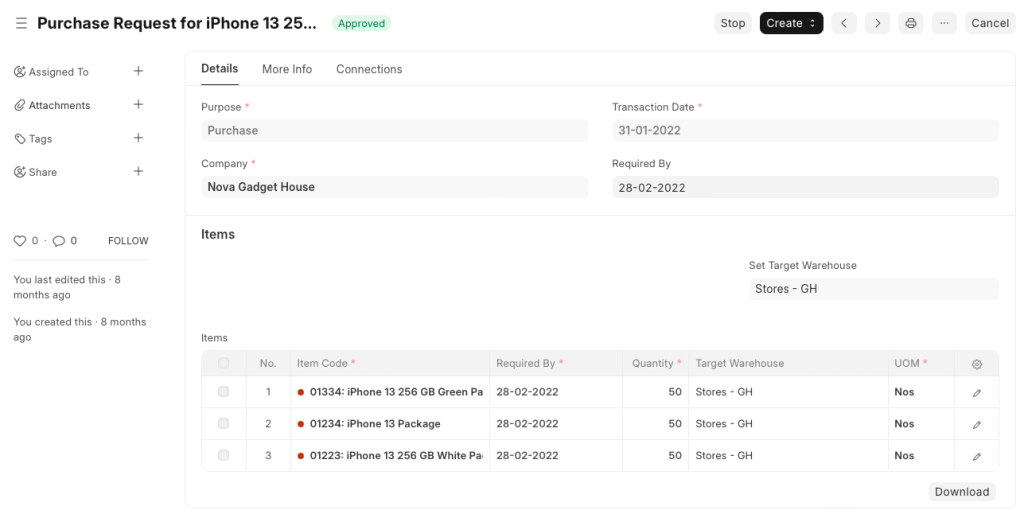
A Material Request is a document used to request items for purchase, transfer, or production.
It is created when stock is insufficient or materials are needed for manufacturing.
It specifies item details, quantity, and required warehouse.
Material Request triggers further actions like Purchase Order or Stock Transfer.
8.Purchase Order
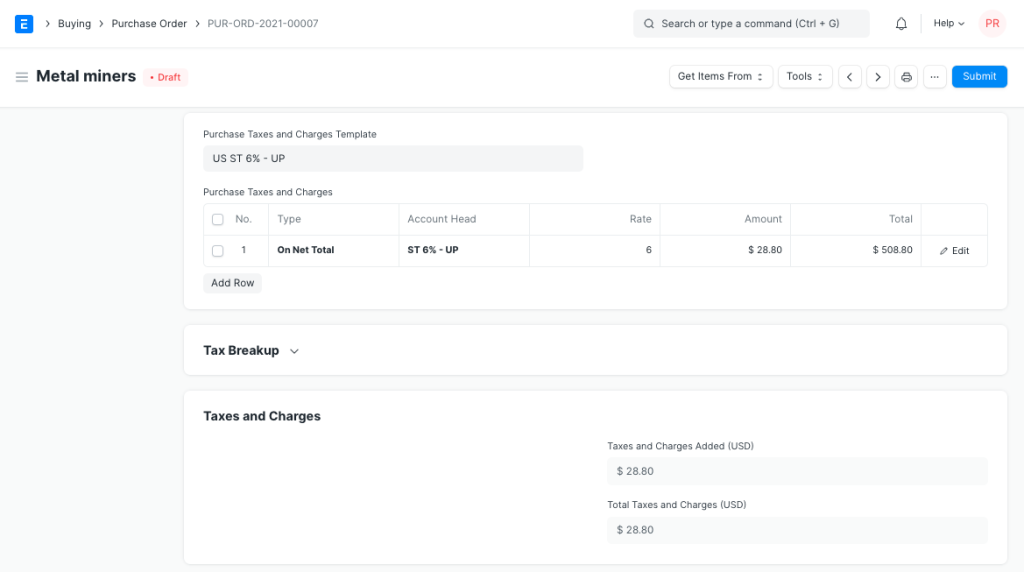
A Purchase Order is a document sent to a supplier confirming the purchase of goods or materials.
It is created after selecting a supplier from quotations or purchase requests.
It includes item details, quantities, rates, delivery date, and payment terms.
It acts as a legal commitment between the company and supplier for delivery of materials.
9. Production Plan
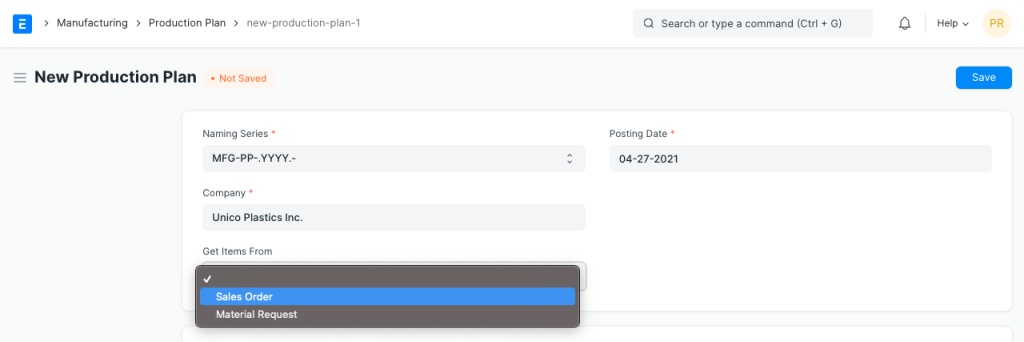
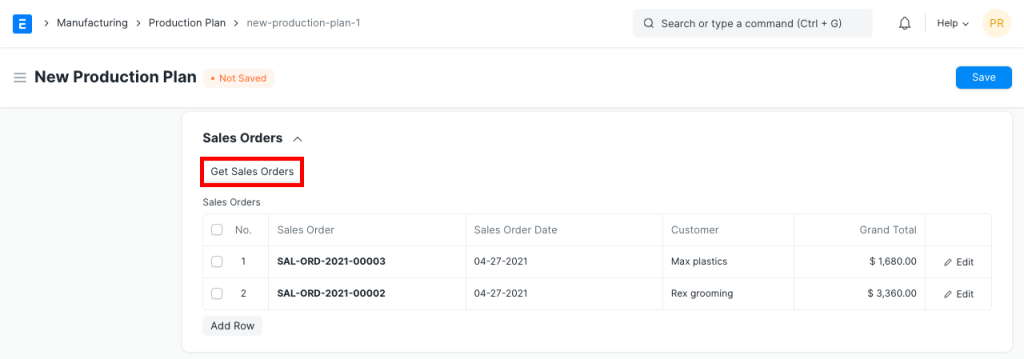
In UniERP , a Production Plan is used to organize and schedule manufacturing based on Sales Orders or demand.
It consolidates multiple orders and calculates required production quantities.
It automatically generates Work Orders for the items that need to be manufactured.
It also checks material availability and aligns production with inventory and capacity.
10. Work Order
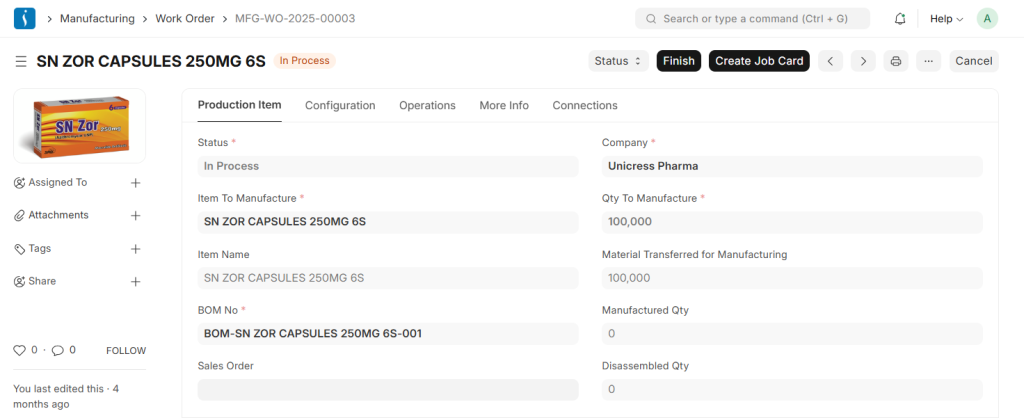
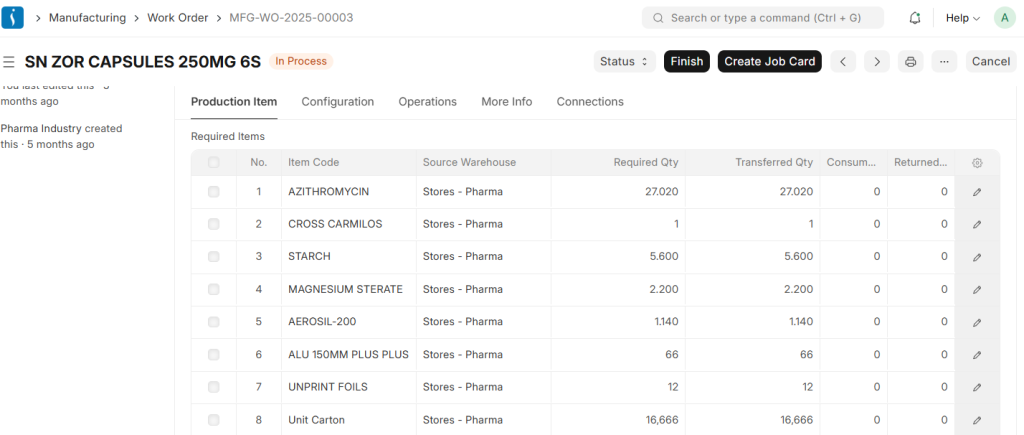
A Work Order is a production instruction used to start the manufacturing process. It specifies the product to be manufactured and the required quantity. The system uses the Bill of Materials (BOM) to calculate the raw materials needed for production.
11. Job Card
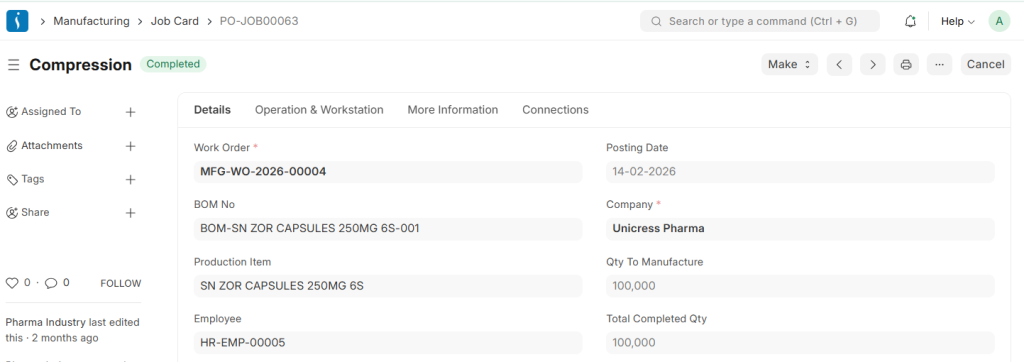
A Job Card is used to assign specific manufacturing operations to workers or operators. It tracks the progress of each operation during production. Job Cards also record the time spent on each task at a workstation. This helps monitor worker performance and manage the manufacturing process efficiently.
12. Stock Entry
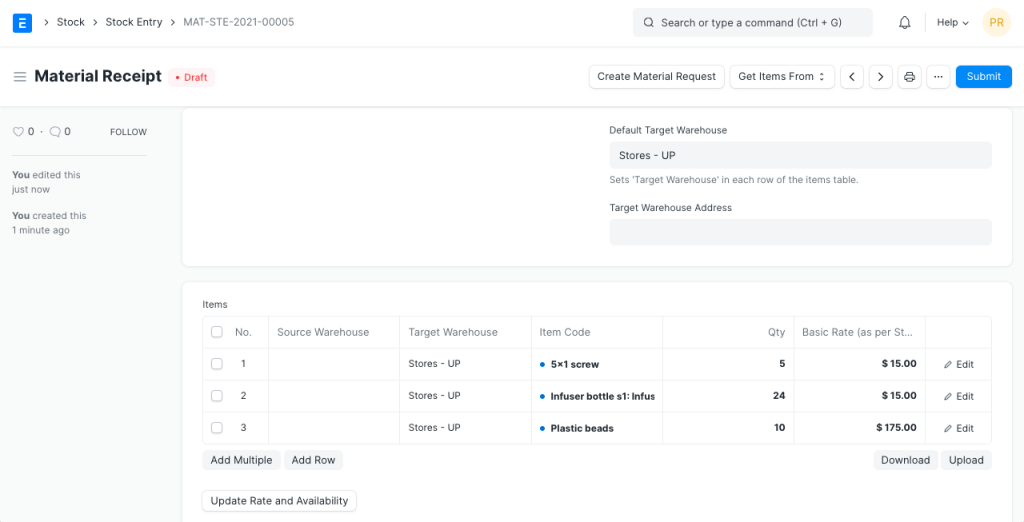
After production is completed, a Stock Entry is created to update the inventory.
During this process:
- Raw materials are deducted from the warehouse
- Finished goods are added to the warehouse
- Production Completion
Once all operations are completed:
- Job Cards are finished
- Stock Entry is submitted
- Finished goods are added to the warehouse inventory
These finished products can then be sold through the selling process.
Conclusion
The UniERP Manufacturing helps businesses manage the entire production process efficiently. It organizes raw materials, machines, workers, and operations in a structured way. By using features like BOM, Work Orders, and Job Cards, companies can plan and control manufacturing activities. The system also ensures accurate inventory tracking during production. Overall, UniERP Manufacturing improves productivity and makes the manufacturing workflow more organized and efficient.