Introduction
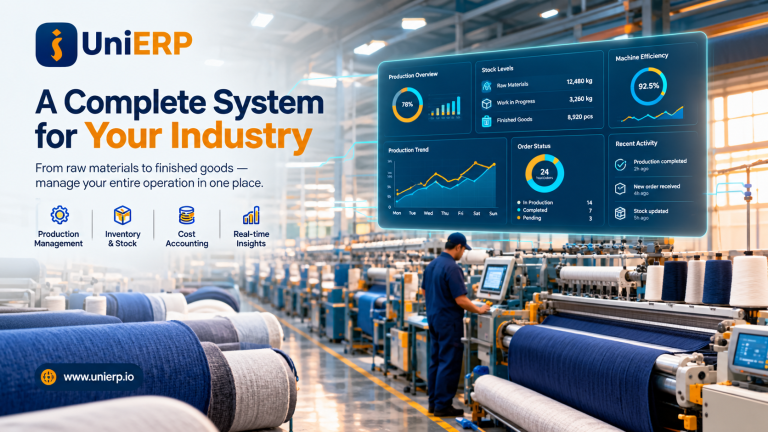
In today’s fast-paced business environment, managing inventory, suppliers, and customer orders efficiently is essential for success. A powerful ERP solution like UniERP Distribution helps businesses automate and streamline their entire supply chain process.
From purchasing to sales and inventory management, UniERP Distribution provides a centralized system to handle operations smoothly, reduce errors, and improve productivity.
Businesses looking for production-focused solutions can also explore our UniERP Manufacturing system, while healthcare providers can benefit from our UniCARE ERP solution.
What is UniERP Distribution?
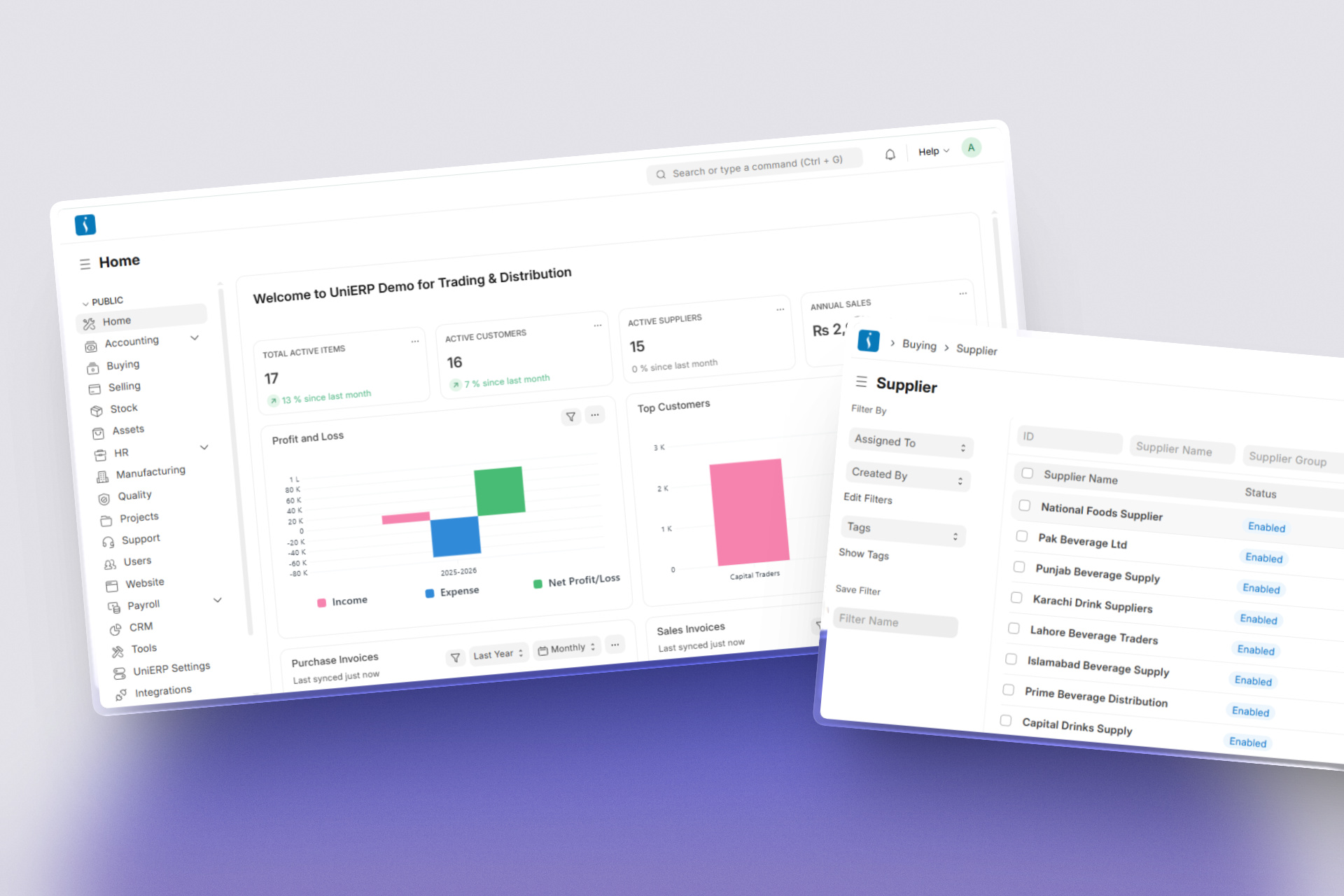
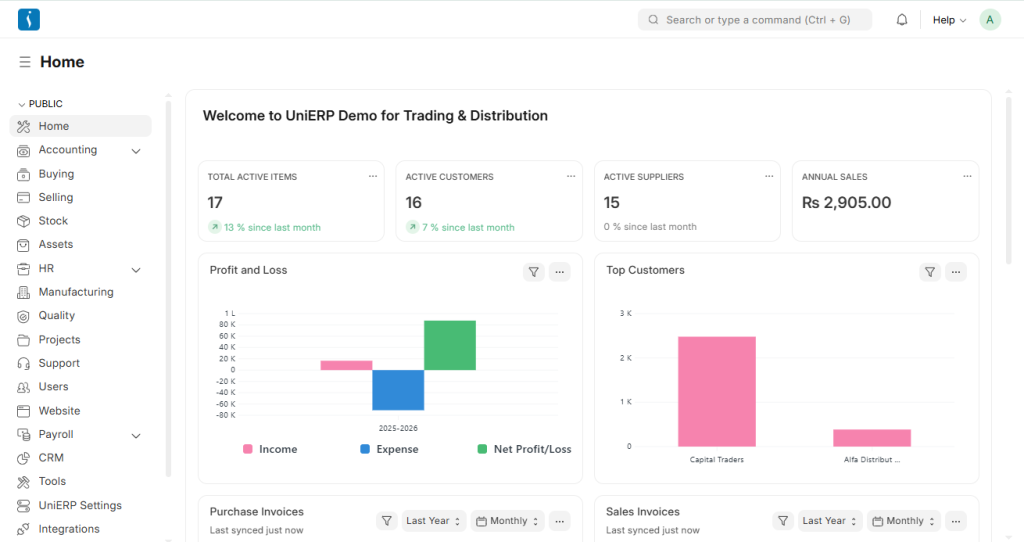
UniERP Distribution is an advanced ERP solution designed to manage the end-to-end distribution process. It connects purchasing, inventory, warehouse, and sales operations in one unified system.
With real-time tracking and automation, businesses can ensure better control over stock, faster deliveries, and improved customer satisfaction.
UniERP Distribution Workflow (Step-by-Step)
1. Item Management
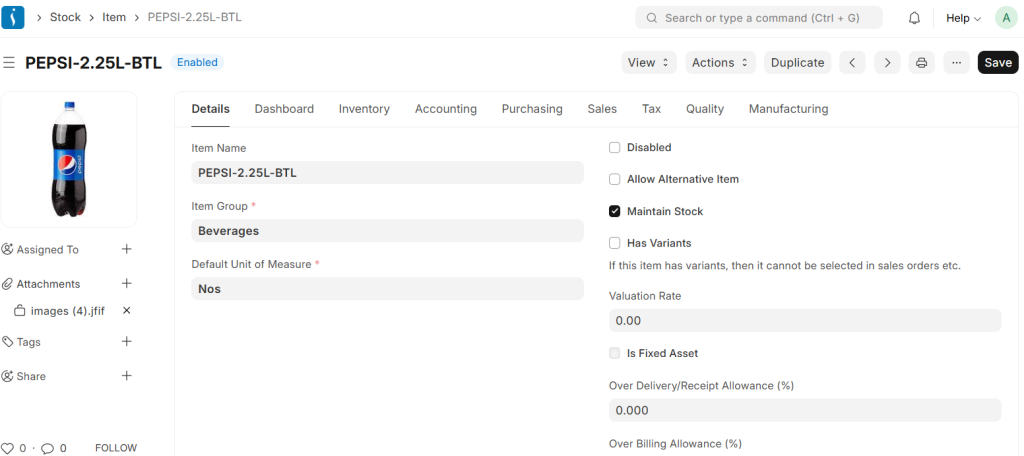
In UniERP Distribution, an Item is a master record representing products that a business buys, stores, or sells.
It includes details like item name, code, unit of measure, price, and type (stock or non-stock).
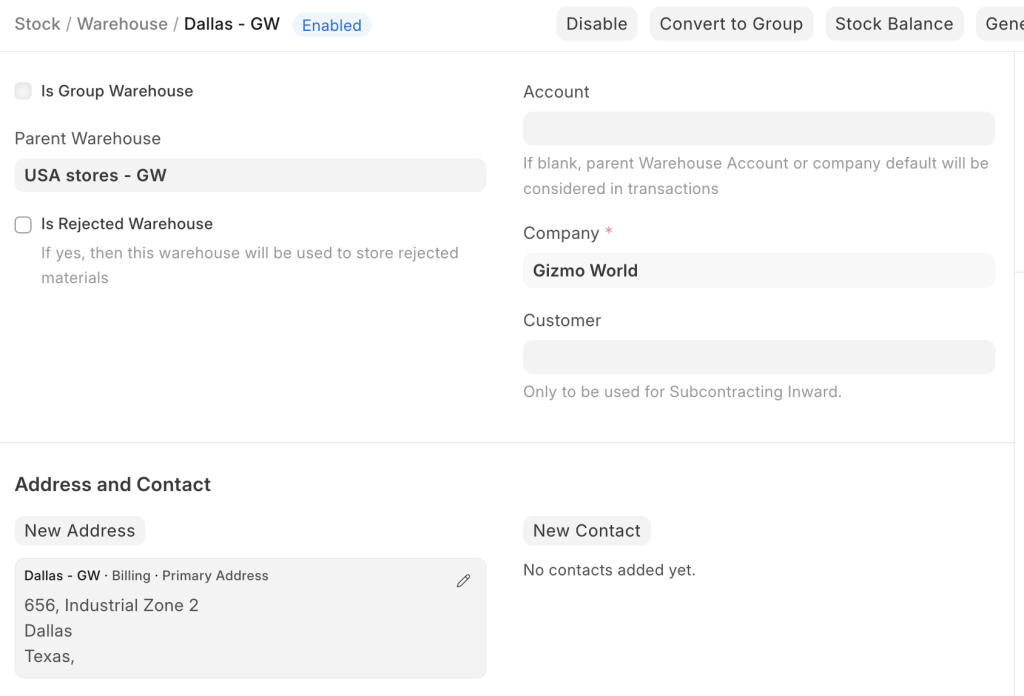
2. Warehouse Management
A Warehouse is where inventory is stored and managed.
It can represent multiple locations such as main stores, regional warehouses, or outlets.
UniERP allows:
- Real-time stock tracking
- Multi-warehouse management
- Stock movement monitoring
3. Customer Management
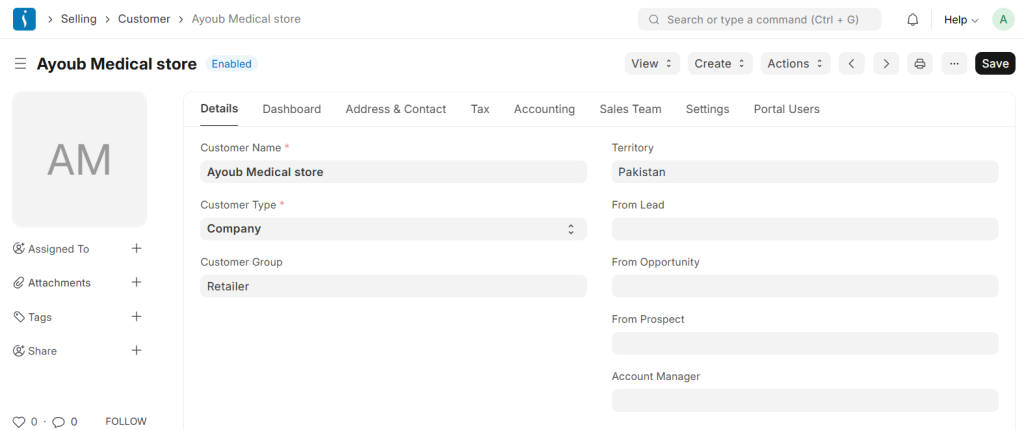
Customers are businesses or individuals who purchase products.
UniERP stores customer details like contact info, billing address, and payment terms.
This helps in:
- Managing sales transactions
- Tracking outstanding payments
- Building strong customer relationships
4. Supplier Management
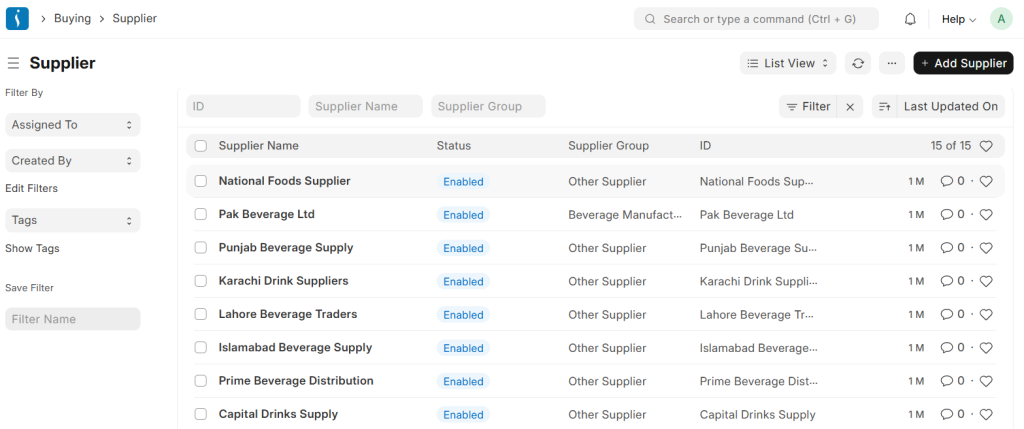
Suppliers provide goods to the business.
UniERP helps maintain supplier records including pricing, contact details, and terms.
This improves procurement efficiency and supplier coordination.
5. Material Request
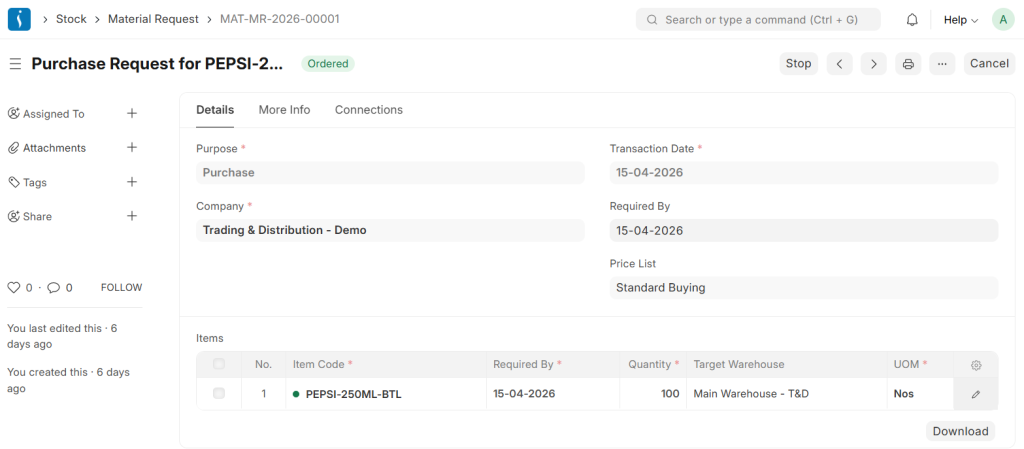
A Material Request is created when stock is low or items are needed.
It includes item details, quantity, and warehouse requirements.
This step ensures timely replenishment of inventory.
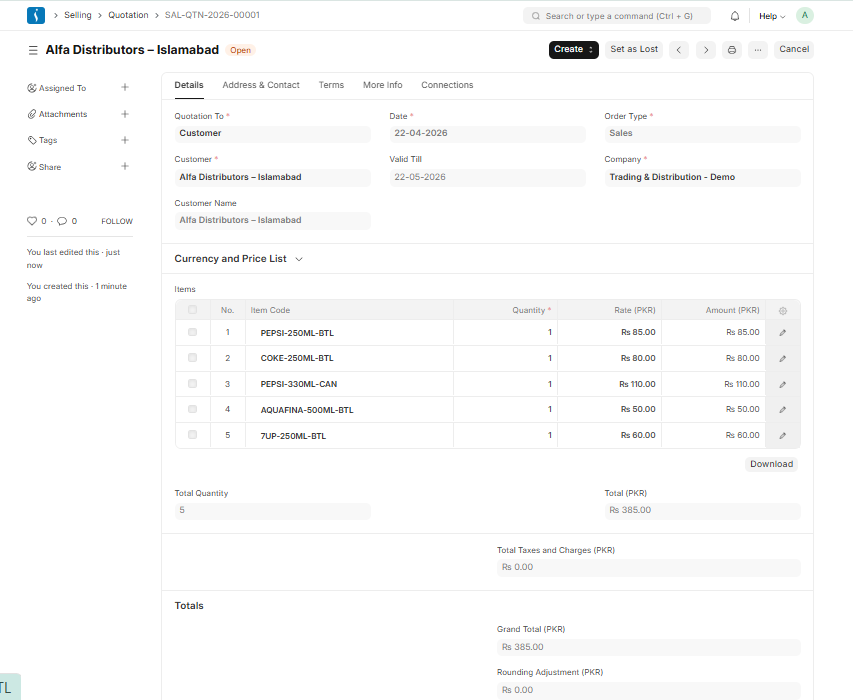
6. Request for Quotation (RFQ)
RFQs are sent to suppliers to get pricing and terms.
Businesses can compare multiple quotations and select the best supplier.
7. Purchase Order
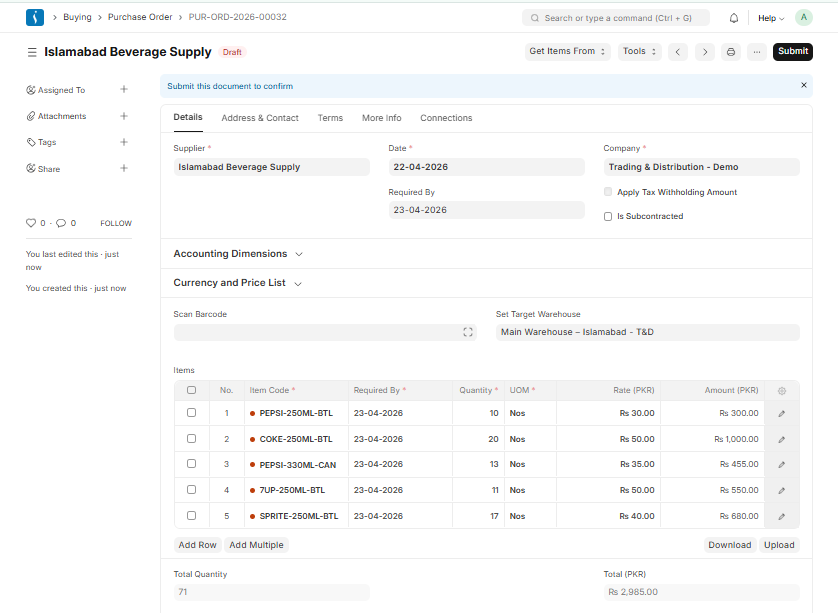
A Purchase Order (PO) confirms the purchase from a selected supplier.
It includes quantity, price, delivery schedule, and payment terms.
8. Purchase Receipt
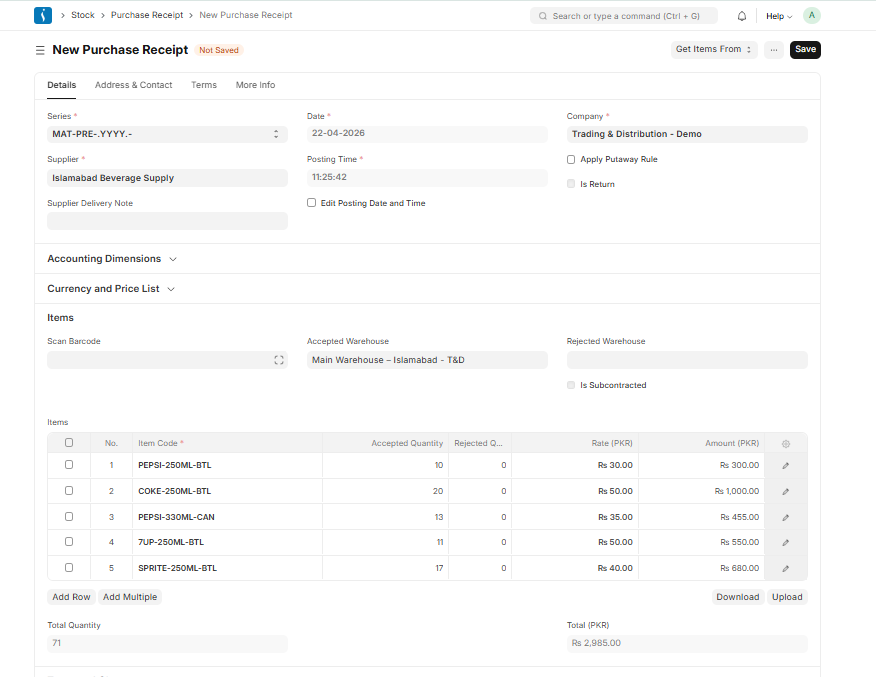
A Purchase Receipt is created when goods are received.
It verifies quantity and quality before updating stock in the warehouse.
9. Inventory & Stock Management
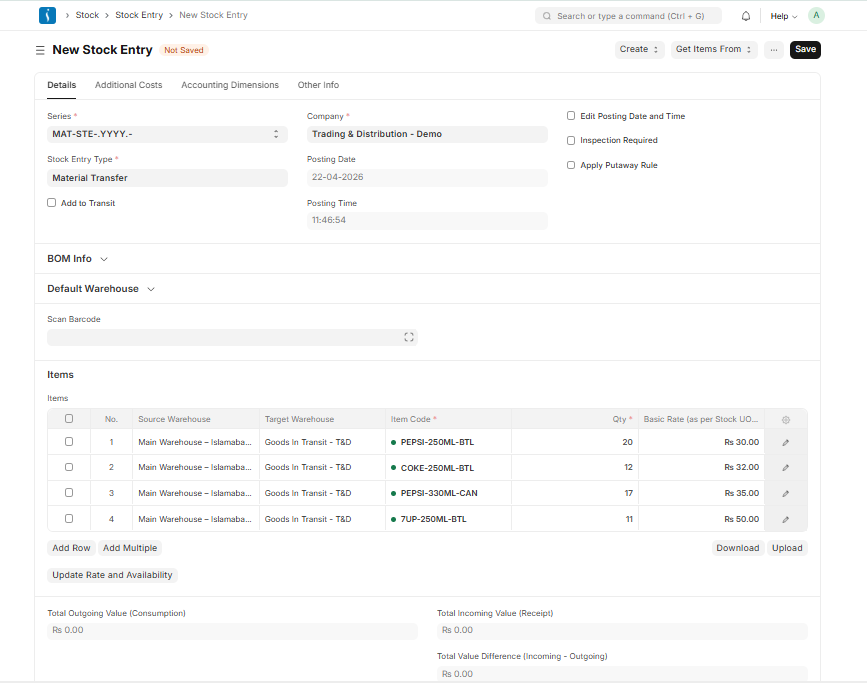
UniERP Distribution provides real-time inventory control including:
- Stock transfers between warehouses
- Stock reconciliation
- Inventory adjustments
This ensures accurate stock levels and avoids shortages.
For businesses involved in production, inventory management becomes even more critical. Learn how it works in our UniERP Manufacturing workflow.
10. Sales Order
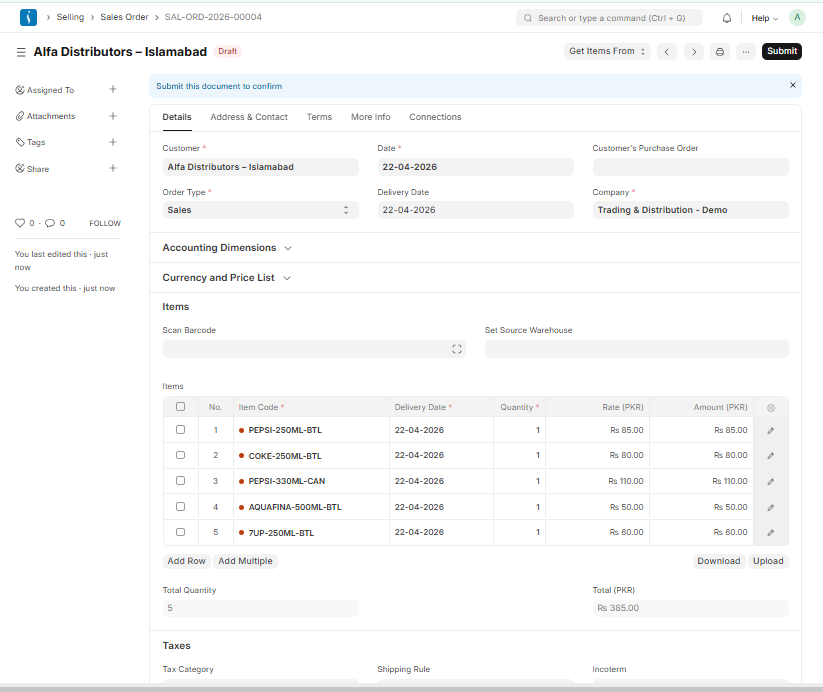
A Sales Order is created when a customer confirms a purchase.
Additionally, it contains all item details, including quantity and pricing. As a result, it automatically triggers the delivery process and ensures smooth order fulfillment.
It also reserves stock for the order.
11. Pick List
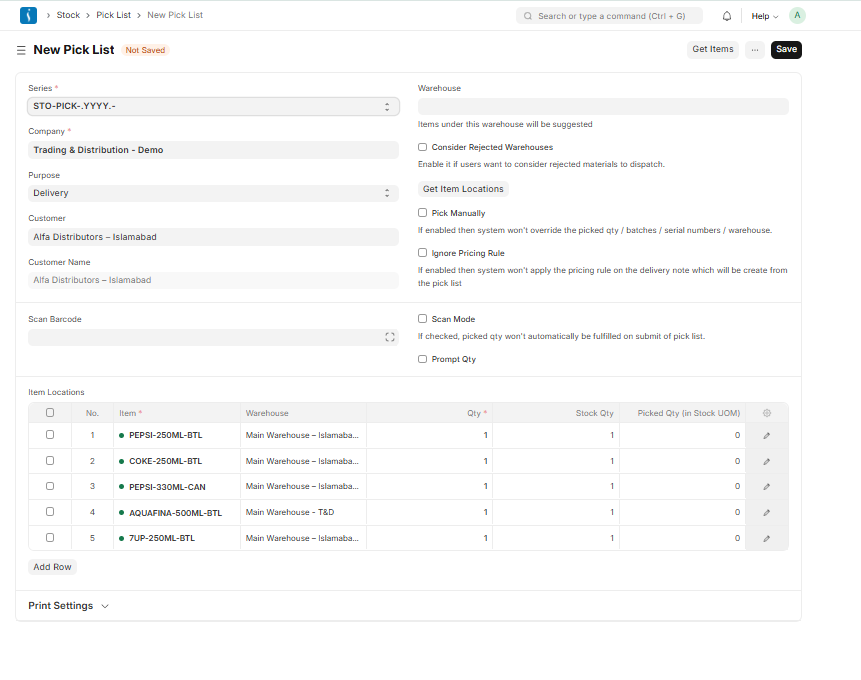
A Pick List guides warehouse staff to pick the correct items.
It improves accuracy and speeds up order fulfillment.
12. Delivery Note
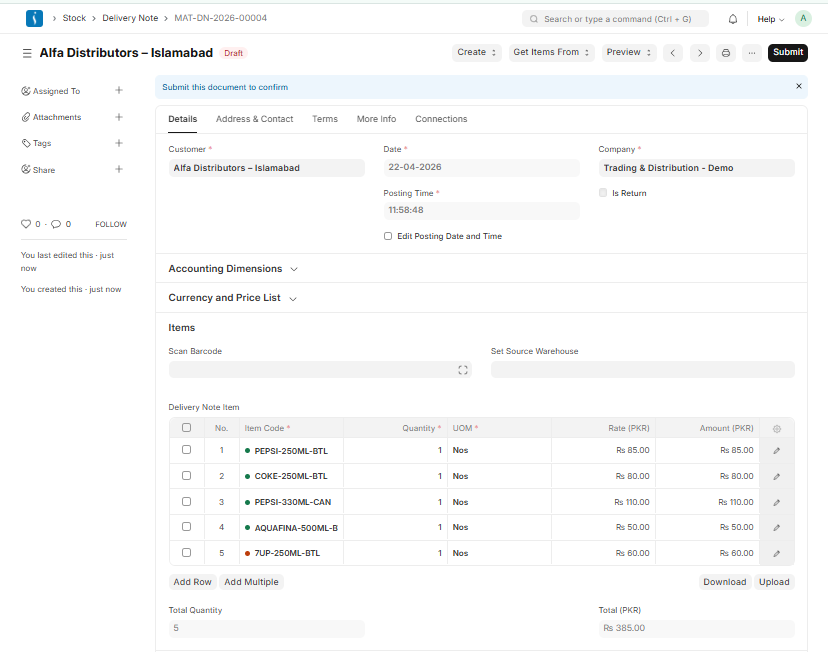
A Delivery Note confirms that goods are dispatched to the customer.
Stock is automatically reduced after delivery.
13. Sales Invoice
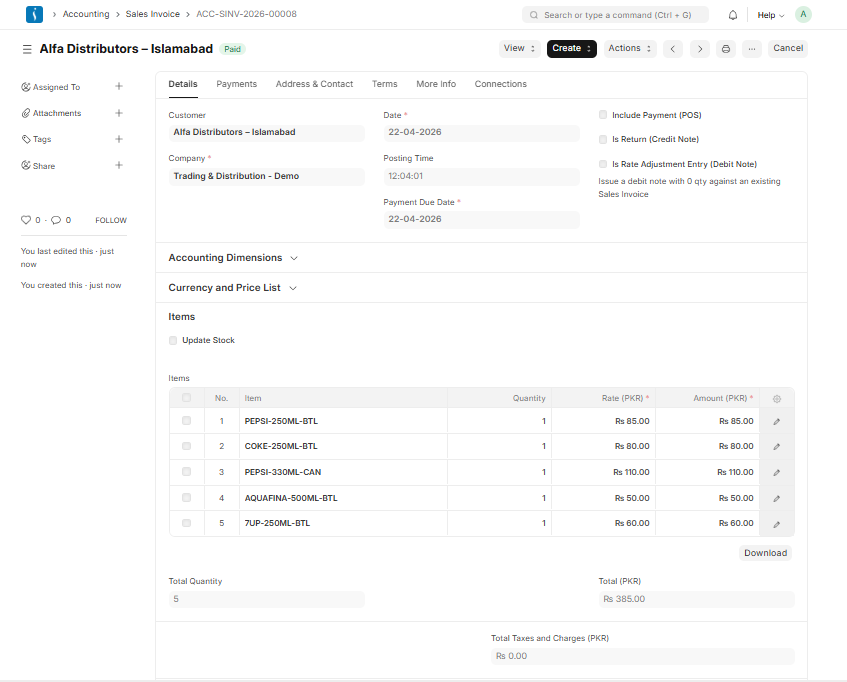
A Sales Invoice is generated after delivery.
It includes product details, taxes, and total amount payable.
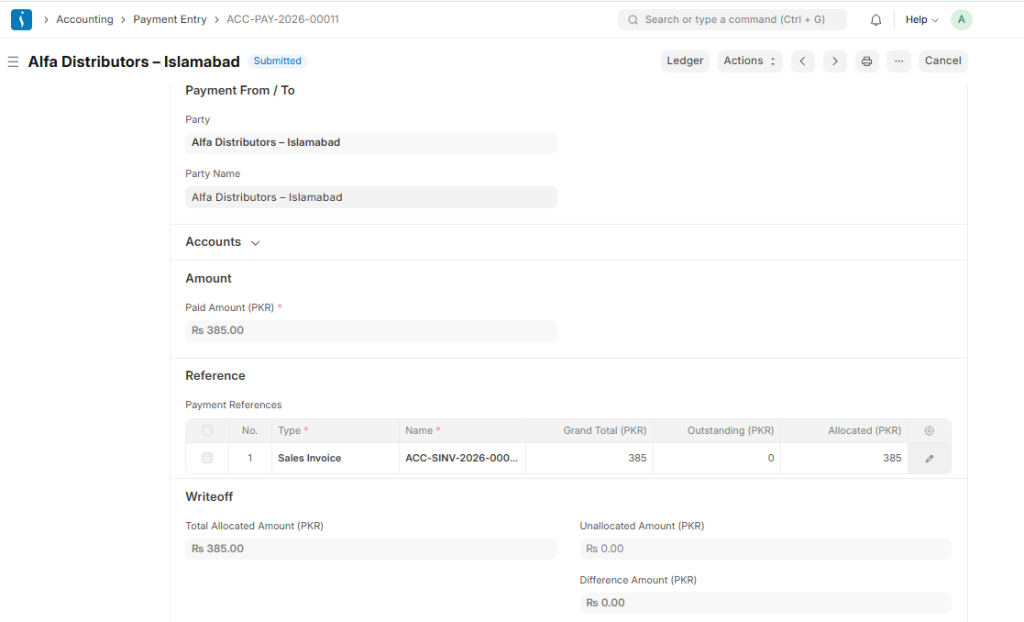
14. Payment Entry
Payment Entry records customer payments.
It helps track receivables and manage cash flow effectively.
15. Returns Management
UniERP handles returns efficiently:
- Sales Return (customer returns goods)
- Purchase Return (return to supplier)
This ensures accurate inventory and financial records.
Benefits of UniERP Distribution
Using UniERP Distribution offers multiple advantages:
- Real-time inventory tracking
- Improved supply chain visibility
- Faster order processing
- Reduced manual errors
- Better customer satisfaction
- Efficient warehouse management
Conclusion
UniERP Distribution is a complete solution for managing modern supply chain operations. It integrates purchasing, inventory, warehouse, and sales into a single system, making business processes faster and more efficient.
By automating workflows and providing real-time insights, UniERP Distribution helps businesses improve productivity, reduce costs, and scale operations
If your business includes production, explore our UniERP Manufacturing Workflow.
For healthcare solutions, check out our UniERP Hospital ERP system to manage hospital operations efficiently.